

Commercial Real Estate
Commercial Real Estate Drone Video: Choose the Right Deliverables
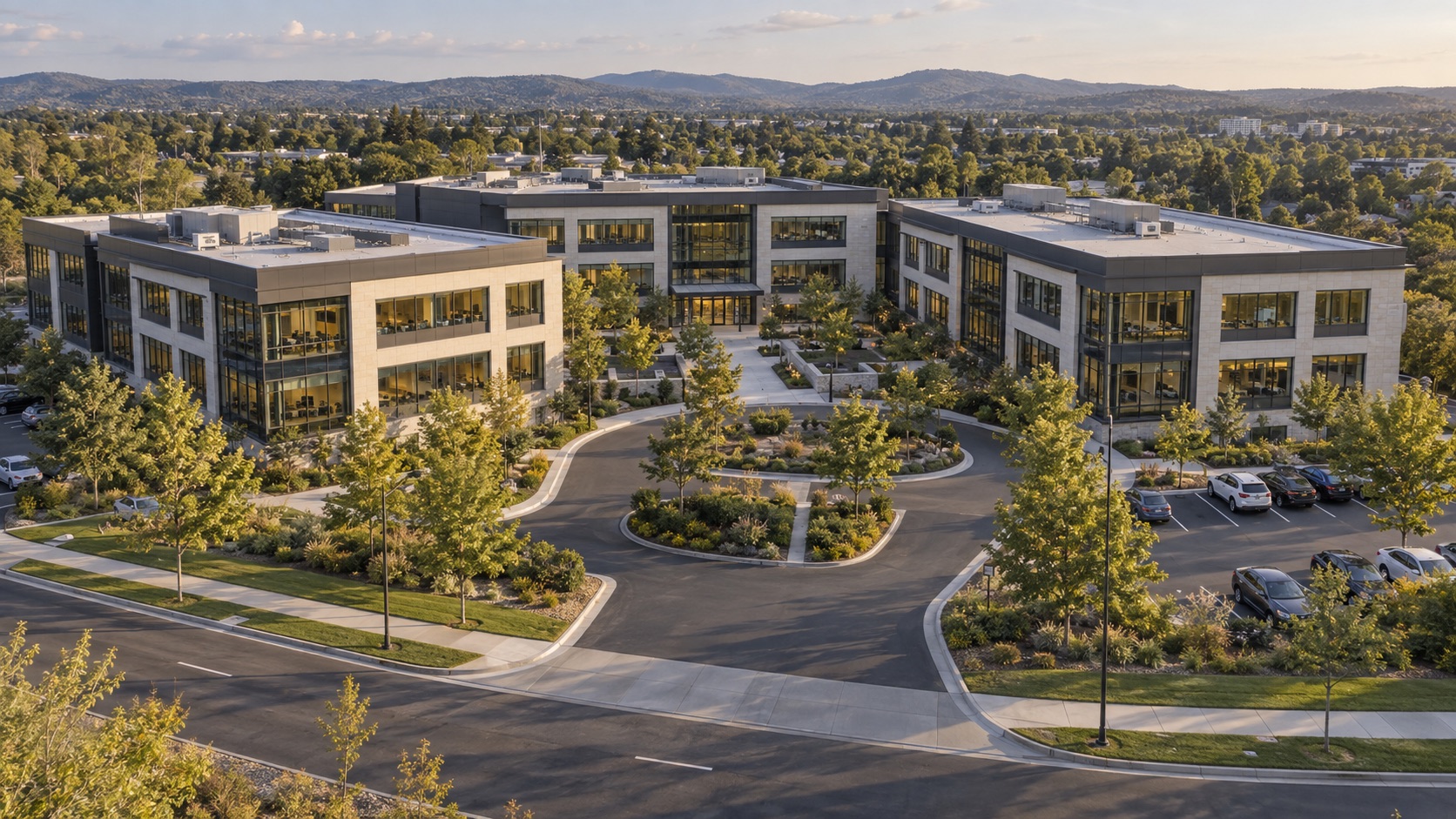
The drone shoot is booked. Then the marketing manager asks for a brochure cover, the broker requests a property video, and the social team needs a vertical version. Everyone is discussing the same building, but they are asking for different finished products.
Choosing commercial real estate drone video starts with a clear plan for the finished deliverable. Aerial photographs, original clips, and edited videos serve different jobs. Decide where the material will appear and who will finish it before choosing a package. That planning step gives the team a clearer assignment.
Start with the campaign destination
List the places that must be ready for launch: the listing page, offering memorandum, broker presentation, property website, or social campaign. Beside each, write the actual asset needed. “Website” is too broad. “Landscape photograph for the property header” or “finished video for the leasing page” is actionable.
Next, name the person responsible for turning delivered files into those assets. An internal video editor changes the buying decision. So does a marketing coordinator who can upload approved files but cannot assemble a film. A folder of attractive footage is still unfinished work when nobody owns the edit.
At a portfolio firm, involve the person who maintains brand consistency early. They may need clean images without text, a standard closing screen, or space for approved property information. Give them an example of the intended layout before capture. That review can reveal a framing requirement while it is still possible to include it in the assignment, instead of discovering it after delivery.
Treat the following table as a starting point. Several destinations may justify a combined scope, but each requested deliverable should have a defined use.
| Campaign need | Useful starting point | Work still to assign |
|---|---|---|
| Brochure, listing gallery, presentation | Aerial photographs | Select images, crop for layouts, verify property labels. |
| Custom video assembled by your team | Photos and original clips | Name an editor and reserve time for selection, assembly, graphics, sound, and exports. |
| Finished property film for launch | Photos and an edited video | Approve the story, supply accurate information, and confirm the required delivery versions. |
Choose photographs when one frame must carry the message
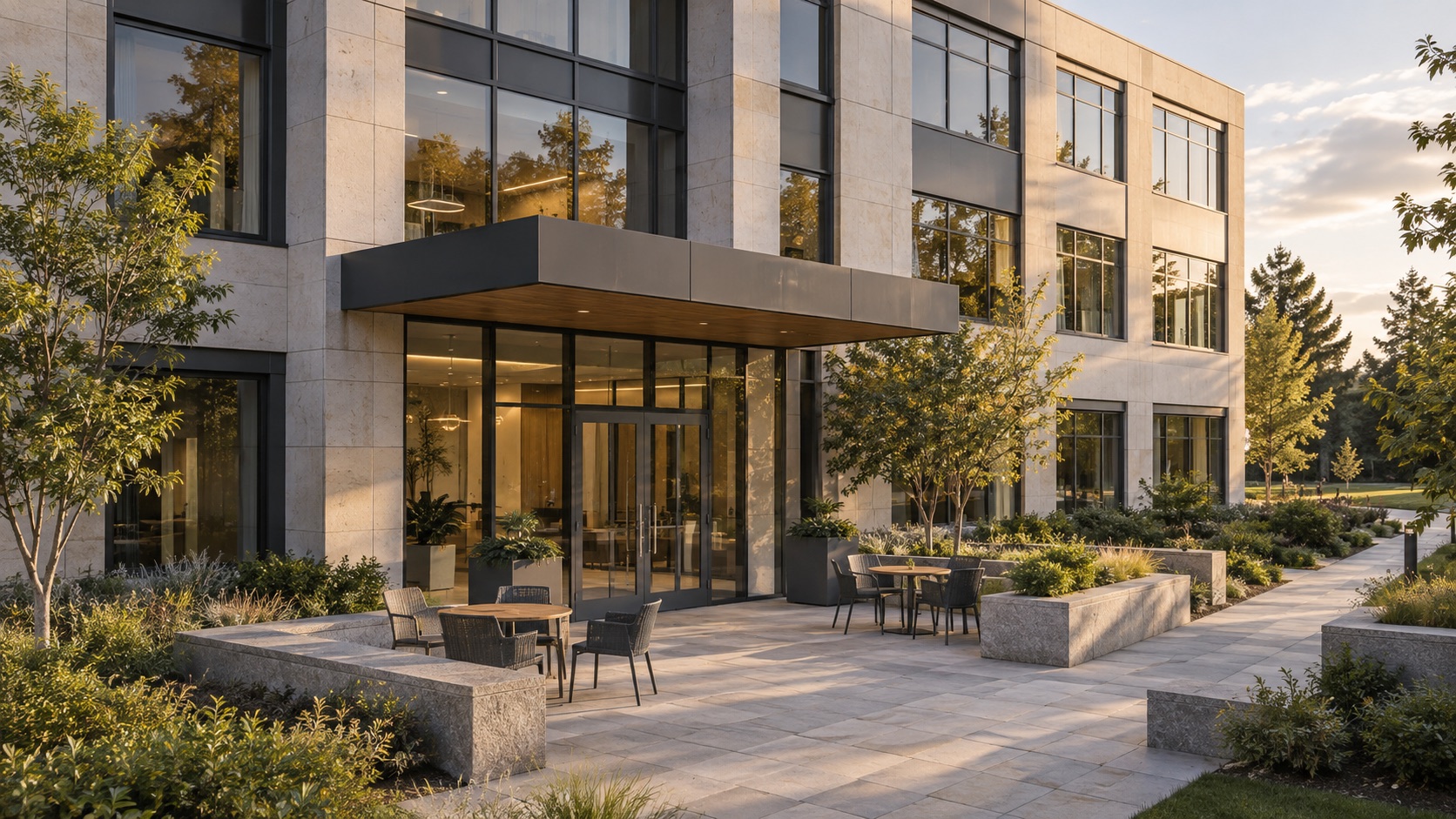
A still image lets the reader pause. It can show how an office building relates to its courtyard, parking, or surrounding streets without requiring playback. That makes photography a practical foundation for materials people scan, print, download, and discuss in meetings.
Brief the photograph for its layout. A brochure cover may need open space above the building for a headline; a listing gallery may need a tighter view. Tell the capture team which relationship matters, then let them recommend feasible angles. Avoid assuming that a frame extracted from video will replace every dedicated photograph.
Choose original clips when your team owns production
Original clips are ingredients for an edit. They give a producer material to combine with interviews, interiors, maps, or existing brand assets. They suit a team that has both editing capability and a clear reason to build its own sequence.
Be precise about what “raw” means. Up Sonder’s package page uses that term for unedited footage. It distinguishes photos with original 4K clips from photos with clips and a finished property video. Ask about specific technical needs instead of assuming that “raw” promises a particular camera recording format.
Before capture, let the editor describe the intended sequence. For a hypothetical office campus, the film might establish the setting, move toward the main building, and finish on the entrance. Each clip needs a purpose in that sequence. Ten beautiful views of the same facade may leave an editor with fewer useful choices than varied, complementary perspectives.
Confirm practical handoff details: file organization, naming, expected formats, and the person receiving delivery. Reserve editing time after receipt rather than placing the public launch immediately after the shoot.
Choose an edited video when the team needs a finished story
A finished video brings selection, order, pacing, and presentation into one deliverable. It is useful when the campaign needs a coherent introduction that the marketing team can review and place, without constructing the sequence itself.
The brief should identify the viewer and the question the film answers. An office leasing introduction might connect arrival, building character, and outdoor space. Keep that narrative focused. A video trying to cover every amenity, neighboring business, and leasing detail can become difficult to follow.
Supply approved property information, brand materials, and the intended closing action before editing begins. Agree on review responsibility, revision scope, and delivery versions. An edited video does not automatically include every alternate duration, aspect ratio, language, or future update the campaign might need.
Specify the screen before approving the scene
A wide campus view may look excellent on a presentation screen and lose its subject when cropped vertically. Share the intended formats during planning. Keep critical buildings and labels within the composition that each version will retain; some placements may need a different shot or edit.
For a paid LinkedIn placement, check LinkedIn’s current video-ad specifications. They list landscape, square, and vertical options. The practical lesson is to choose the placement deliberately, then confirm its requirements with whoever will upload the campaign. Do not assume one export suits every channel.
If the film includes narration, plan accurate captions. W3C’s caption guidance explains that captions communicate speech and meaningful audio information as synchronized text. Assign someone to check names, property terminology, and timing. Separately, make sure important visual information remains understandable when the video is watched without sound.
Write a brief that survives the handoff
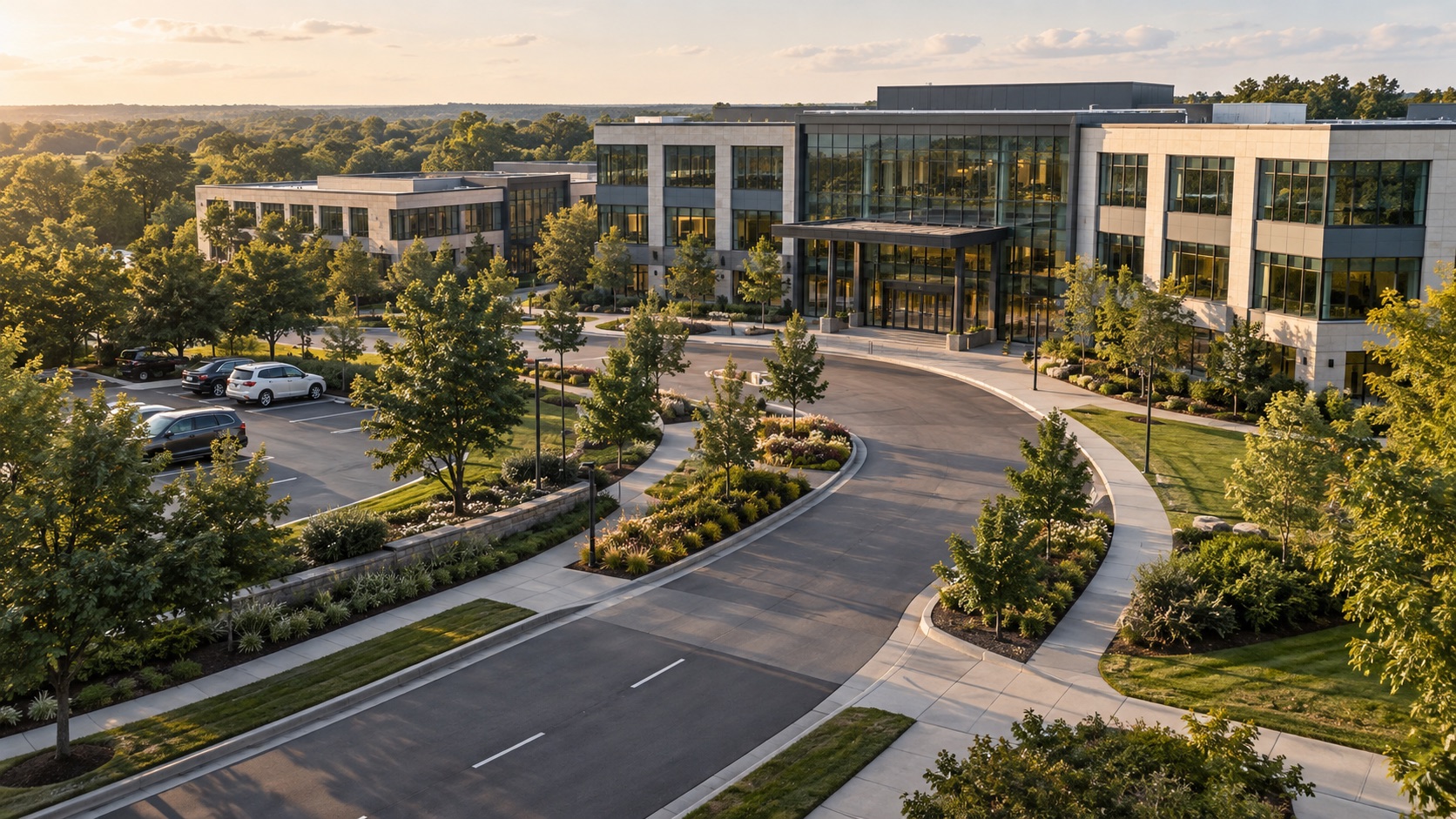
Use a short specification that travels with the assignment. The following example describes a hypothetical campaign; its details should be replaced with the actual project requirements.
Audience and purpose: Introduce an office campus to prospective tenants before a property tour.
Launch assets: Aerial photographs for the brochure and listing gallery, plus a finished landscape video for the property website.
Story priorities: Establish the campus, connect the main arrival to the building, and show the relationship between workspace and outdoor areas.
Production ownership: Identify the provider’s deliverables, the internal reviewer, and the person responsible for uploading approved files.
Versions and timing: List required formats, any additional edits, the review deadline, and the launch date. Confirm feasibility before booking.
Buy for the work you actually need to finish
When comparing proposals, put deliverables side by side. Check whether photographs are edited, clips remain separate, and the finished film includes the versions your campaign needs. Separate additional work from the base assignment. A lower headline price is not a useful comparison if your team must also arrange editing that another proposal includes. Compare what reaches the marketing team, and what work remains before the launch date arrives.
Review the proposed scope against each campaign destination. Can someone point to the file that will fill it? Does another person still need to edit, resize, label, or approve that file? Resolve those dependencies while the assignment can still change.
Bring Up Sonder the property address, intended destinations, editing resources, and launch deadline. Share your project details to discuss the aerial photographs, original clips, or edited video that fit the assignment. A clear deliverables decision gives the shoot a purpose and the marketing team a workable path to publication.